


PrintSave.ie
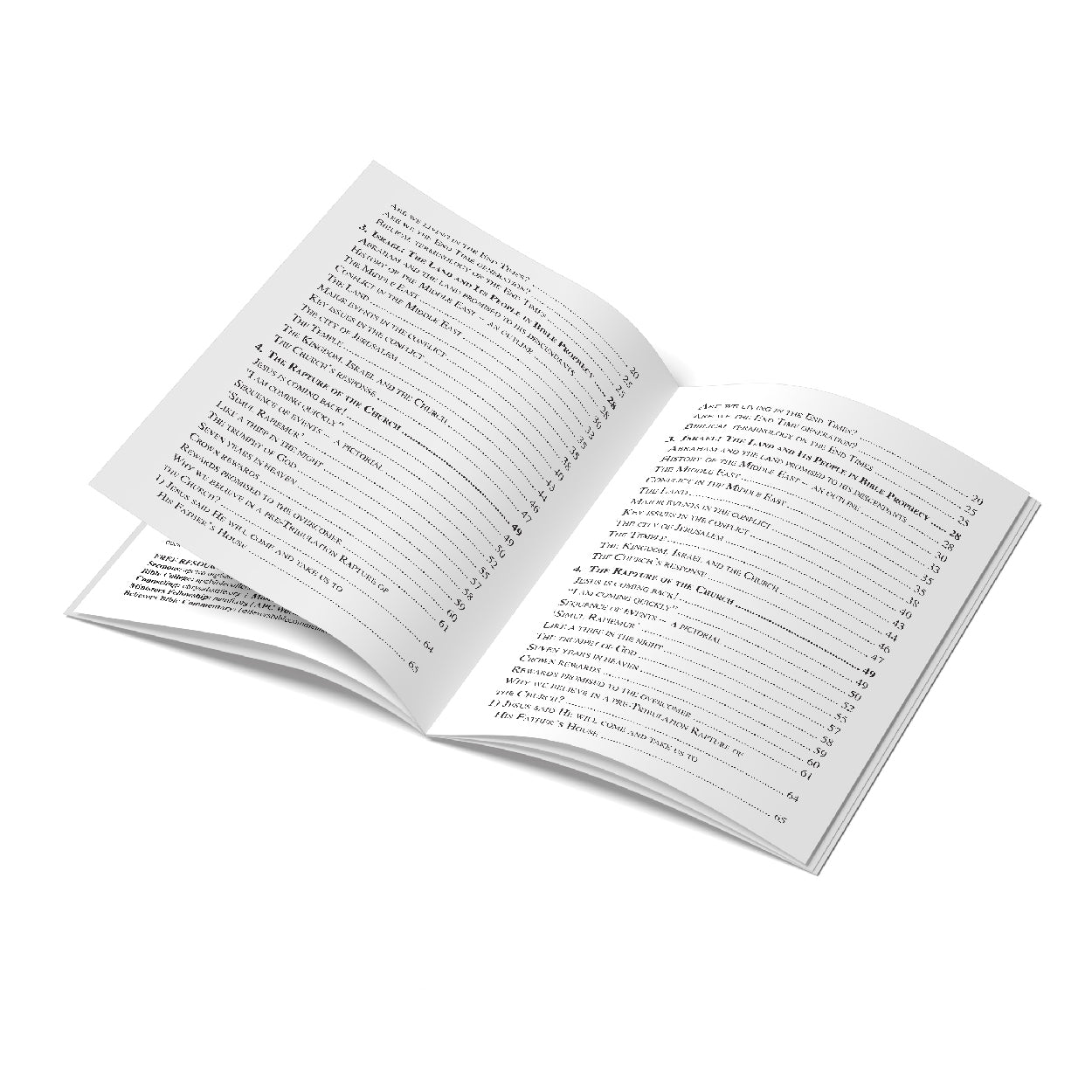
A4 Booklets - Self Cover
A4 Booklets - Self Cover
Create stunning, professional-quality stapled booklets with our customisable options, ensuring your content is presented perfectly. Whether for business, educational, or personal use, our stapled booklets are designed to impress.
Couldn't load pickup availability
Share


Collapsible content
Description
Create stunning, professional-quality stapled booklets with PrintSave — perfect for business presentations, educational materials, or personal projects. Our booklets are designed to showcase your content with style and precision.
Key Features:
- Size: A4 Booklet, portrait
- Page Range: Customise your booklet with 8 to 48 pages, including 4 cover pages.
- Paper: 170gsm Silk (with a slight shine) or 170gsm Uncoated (matt)
- Binding: Stapled (saddle-stitched) binding for a clean, professional look
- Printing: Full-colour or black & white, printed double-sided for maximum impact
Important Details:
- Your booklet includes 4 cover pages. If you prefer to print only on the outside of these covers, ensure the inside pages remain blank but included in your PDF
- Please submit your print-ready file as a PDF with embedded fonts (no password protection)
- Arrange your pages in correct reading order, starting with page 1 as the front outside cover
- We recommend high-resolution files (300 dpi) to ensure crisp print quality
- We do support full bleed printing on both inner pages and covers — all pages are trimmed after printing to provide a clean edge without borders
Whether you’re preparing a company brochure, school project, or event program, PrintSave’s stapled booklets combine quality and flexibility to bring your vision to life.
Order your customised stapled booklets today and make every page count with PrintSave.
Size Guide
Print File Guidelines
A4 Booklets - Self Cover FAQ
What sizes are available for the stapled booklets?
Our stapled booklets are available in A5 and A4 sizes, and you can choose either portrait or landscape orientation to suit your needs.
Portrait Orientation: The booklet is saddle-stitched on the left side, with pages oriented vertically.
Landscape Orientation: The booklet is saddle-stitched on thetop side, with pages oriented horizontally.
Choosing the right orientation depends on your content and how you want it displayed
How many pages can I include in my booklet?
You can customise your booklet with 8 to 84 pages. This total includes 4 cover pages which are fully customisable. The page count varies and depends on the paper stock options selected. Heavier paper stock results in a lower page count.
What paper options are available for the booklets?
We offer a range of paper weights from 80gsm to 200gsm. For cover pages, you can choose from various paper stocks, including white, cream, and more.
What are the printing and binding options?
Our booklets feature stapled (saddle-stitched) binding. Printing options include full-colour or black & white, with double-sided printing available.
What should I know about preparing my document for printing?
Ensure your document is in PDF format with all fonts embedded and not password-protected. The pages should be arranged in the correct reading order, starting from page 1 as the front outside cover page. High-resolution files (300 dpi) are recommended for optimal print quality. Remember, the document must include 4 cover pages, and if you prefer to print only on the outside of each cover page, ensure the inside cover pages remain blank.
Please note:
Inner Pages: For all inner pages, the full bleed option is not available. All inner pages will have a border around the edges.
Covers: For lightweight cover stock options, the full bleed option is also not available. All pages will have a border around the edges.